

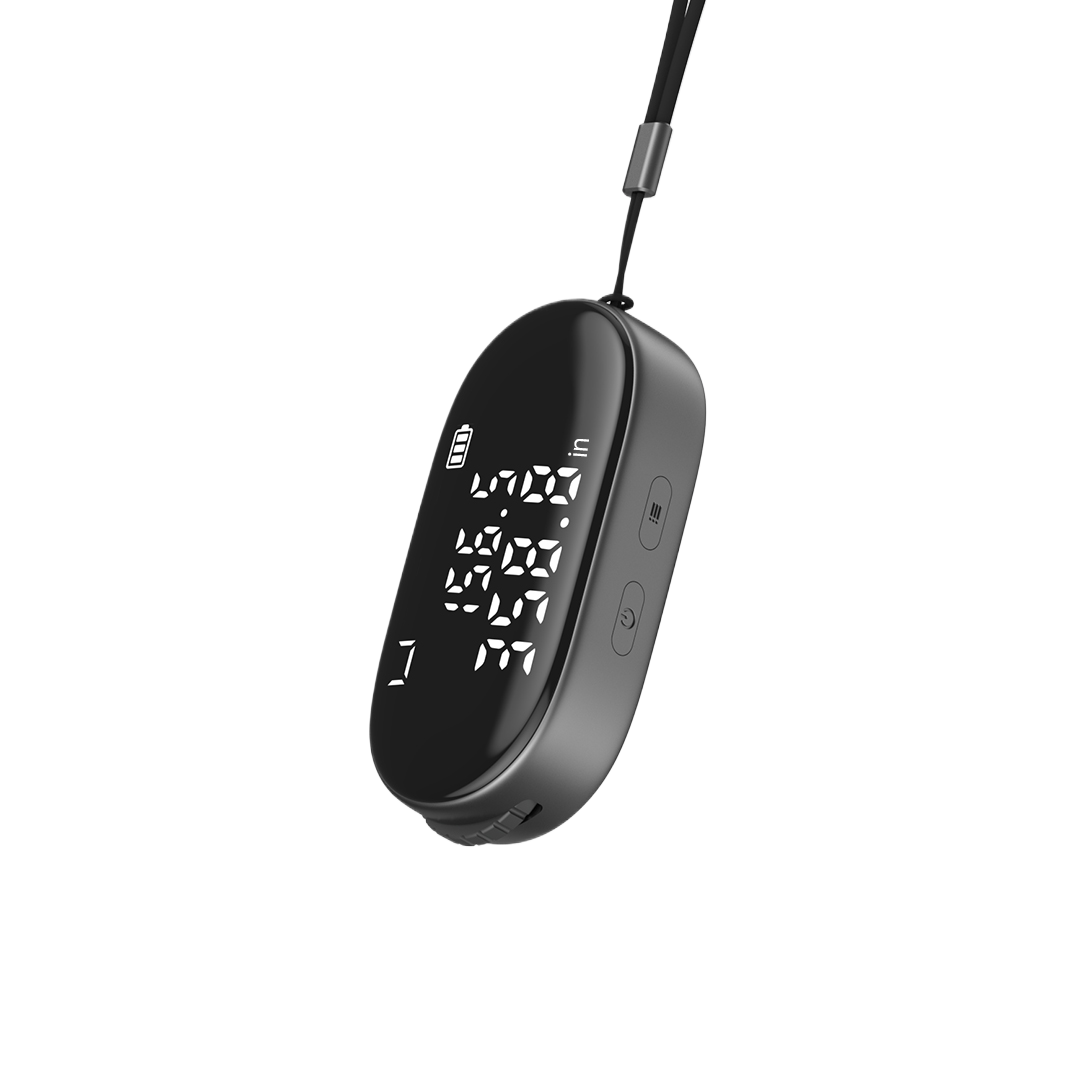
ATuMan Q2 Digital Measuring Tool – Portable Rolling Distance Meter with Type-C Rechargeable Design
Couldn't load pickup availability
Pickup available at Sydney - Atuman Australia
Usually ready in 24 hours
Description
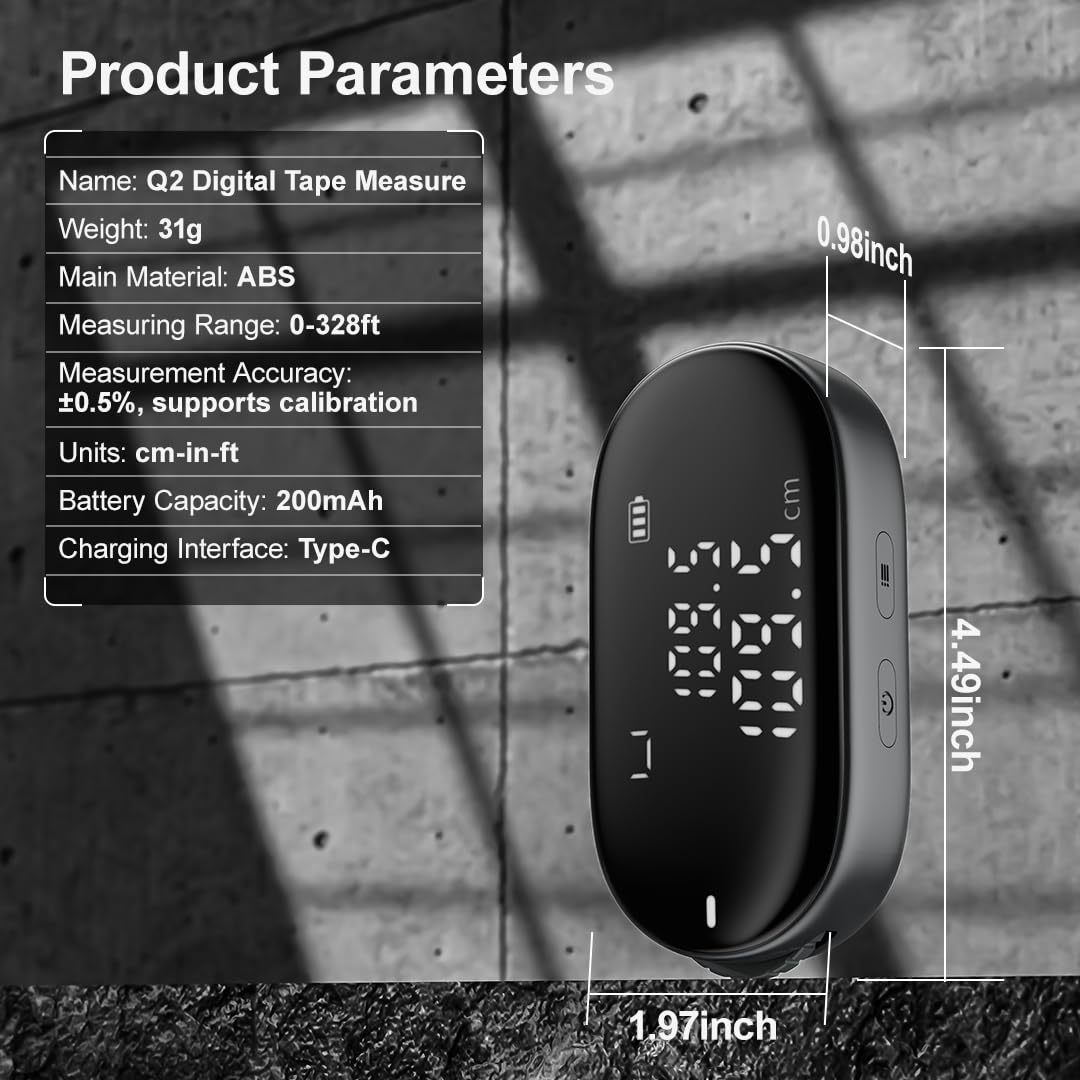
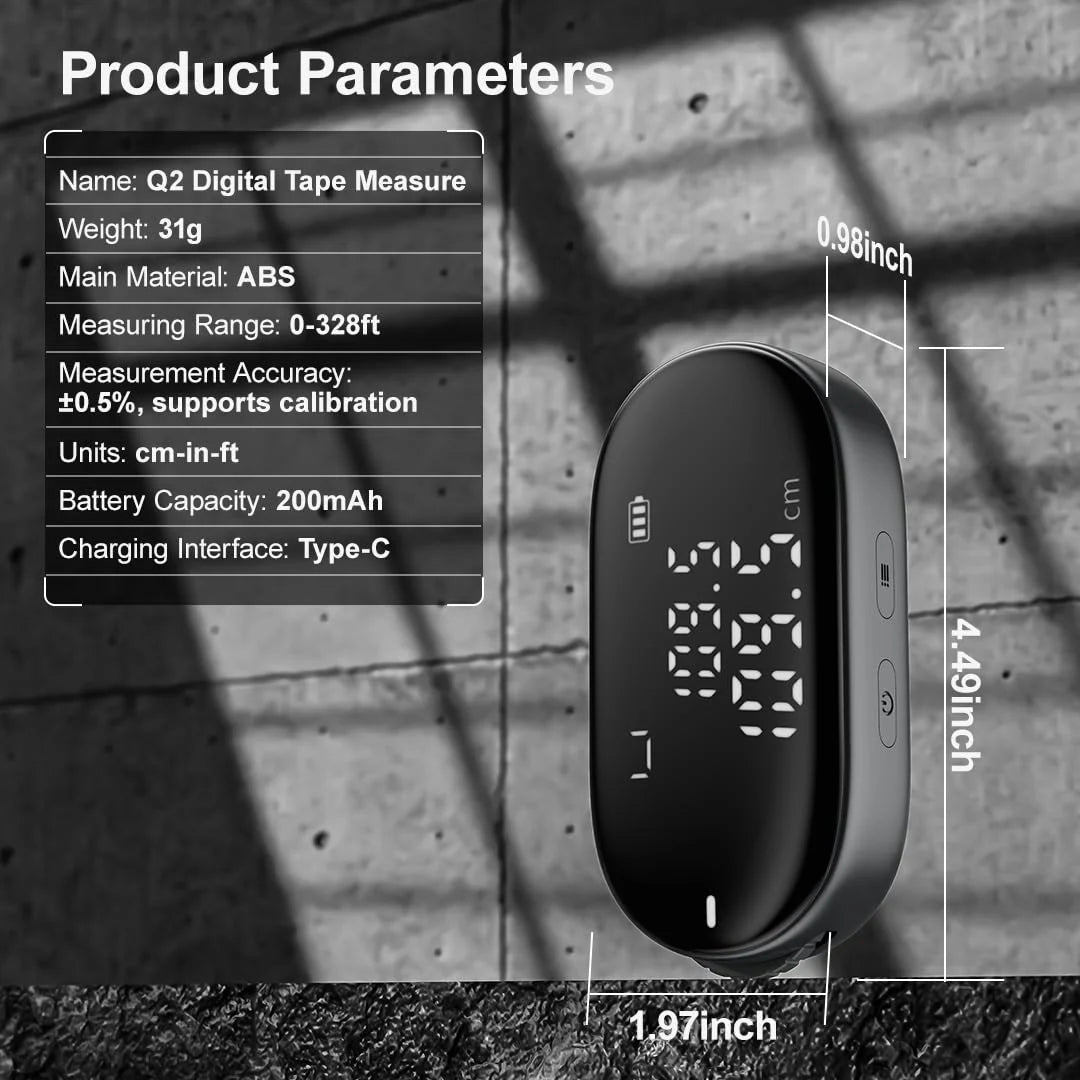
- Accurate Long-Distance Measurement: Capable of measuring up to 328ft with an accuracy of ±0.5%, ensuring millimeter precision for everyday tasks.
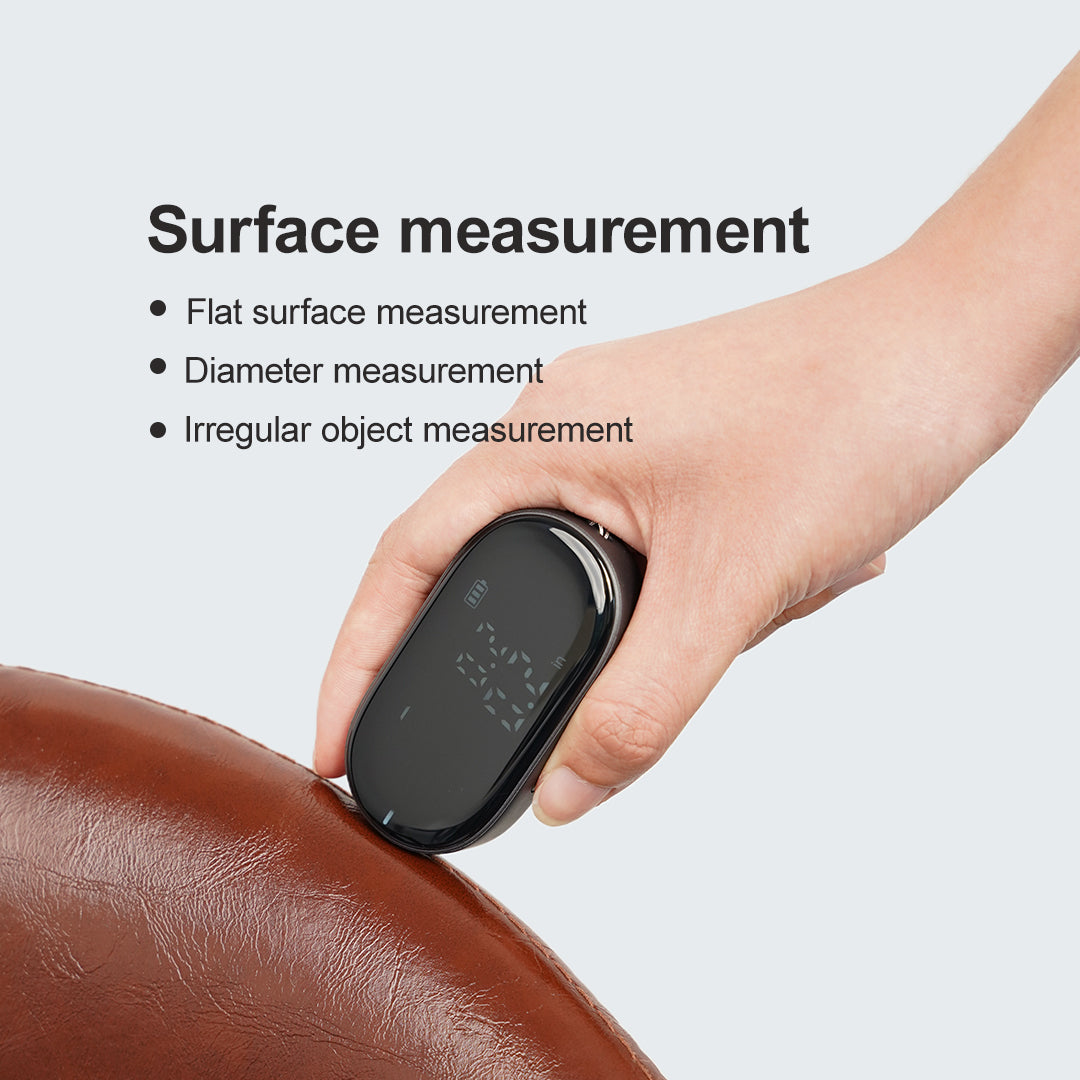
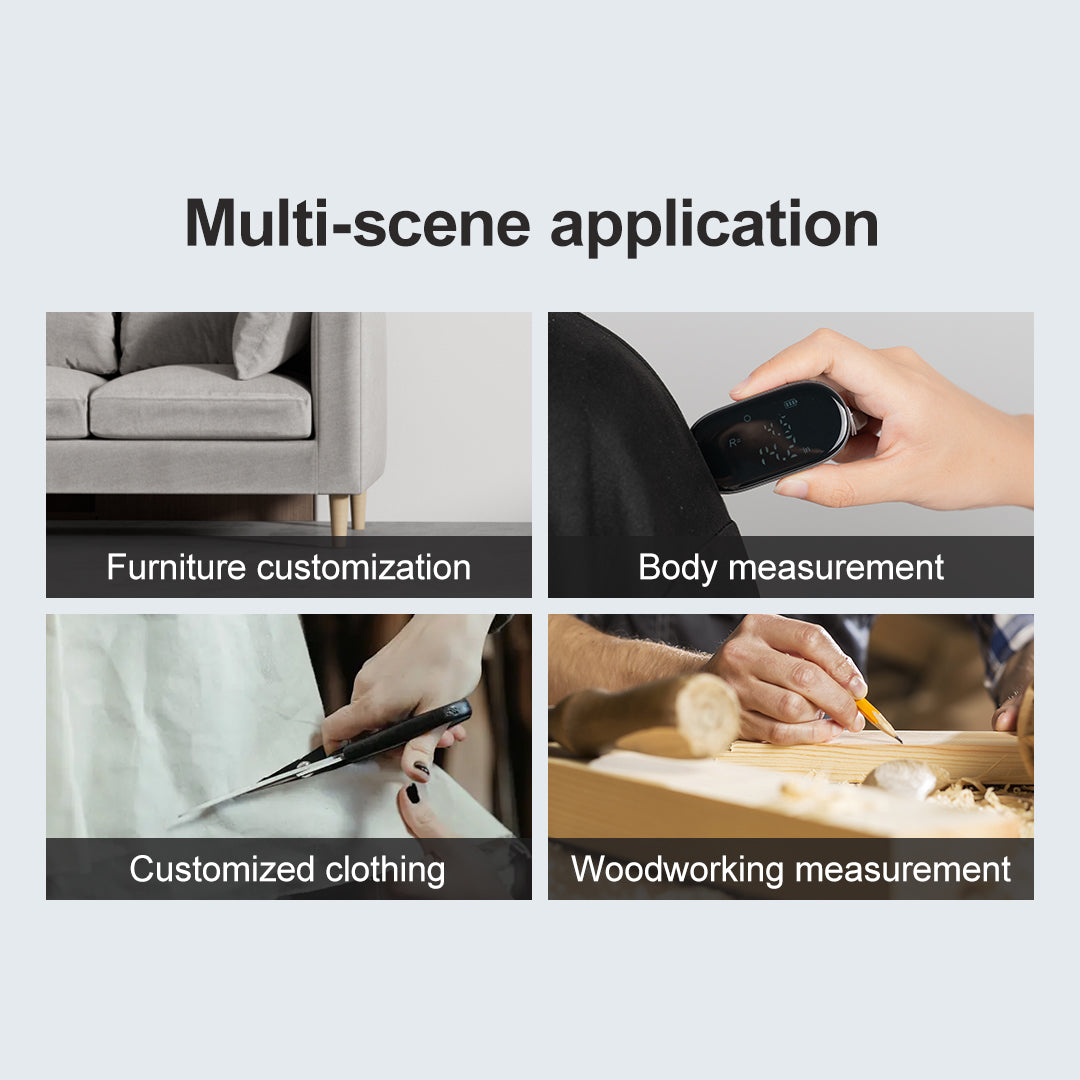
- Versatile Measurement: Perfect for various tape measurement needs, whether it's curved, flat, diameter, or irregular objects. Ideal for home customization, body measurements, tailoring, and woodworking.
- Measure with Ease: Our smooth roller design guarantees instant data display, providing swift results. Seamlessly switch between 5 modes to measure cylindrical objects by circumference or navigate obstructed edges with ease.
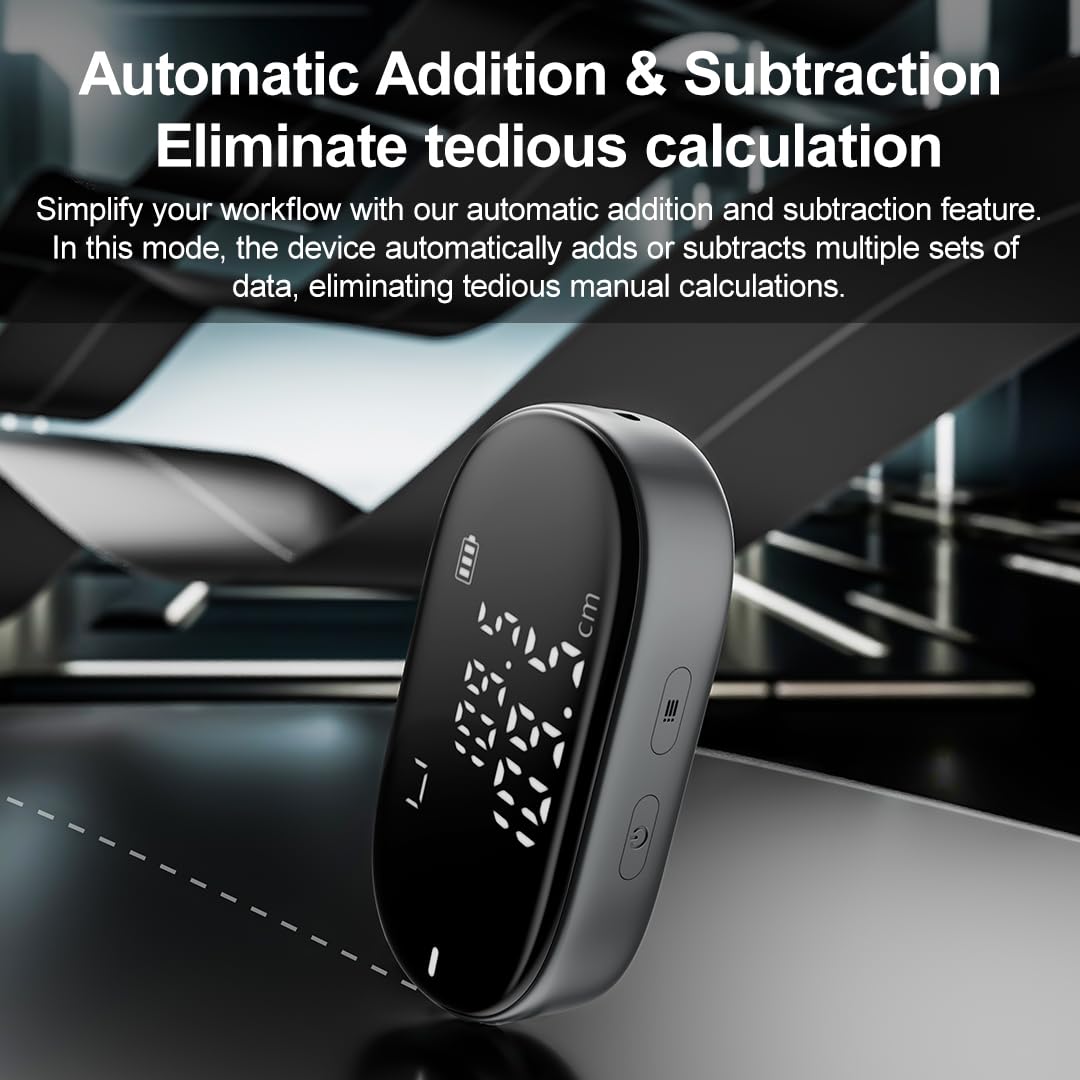
- Efficient Data Management: This digital tape measure offers an auto add/subtract function for multiple measurements, along with manual data storage and history lookup.
- Efficient Power: Comes with a 200mAh Type-C rechargeable lithium battery, offering 180-day standby and 6-hour continuous use. Automatically shuts off after 3 minutes to save power.
- Pocket Size: Lightweight at just 1.1 Oz and slim with a 1.5in body, making it highly portable for on-the-go use.
- The measurement results may have slight errors due to human factors.
Basic Specs
- Item Weight: 1.1 Ounces
- Blade Length: 328 Feet
- Measurement Accuracy: ±0.5%
Pairs well with
Ships within 1-2 business days.
1-Year Warranty
Free Shipping on orders over $99
ATuMan Q2 Digital Measuring Tool – Portable Rolling Distance Meter with Type-C Rechargeable Design

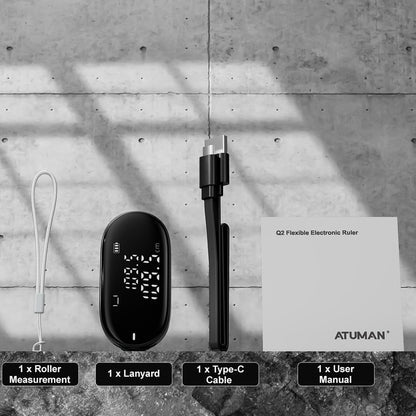
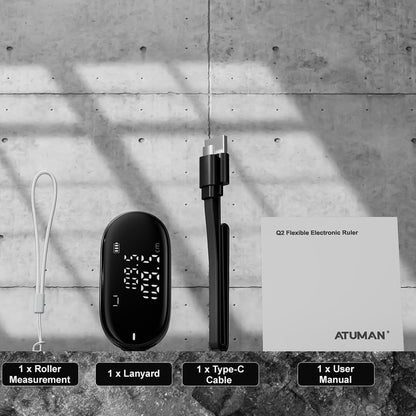
Q2 flexible electronic ruler
Arbitrary surface can be measured easily to play with the measurement

Advanced Features for Precise Measurements
Compact, powerful, and designed for every task — explore all the capabilities of your measurement tool.

Precision Measurement for Every Shape
Effortlessly measure surfaces, diameters, and irregular objects with ease and accuracy.

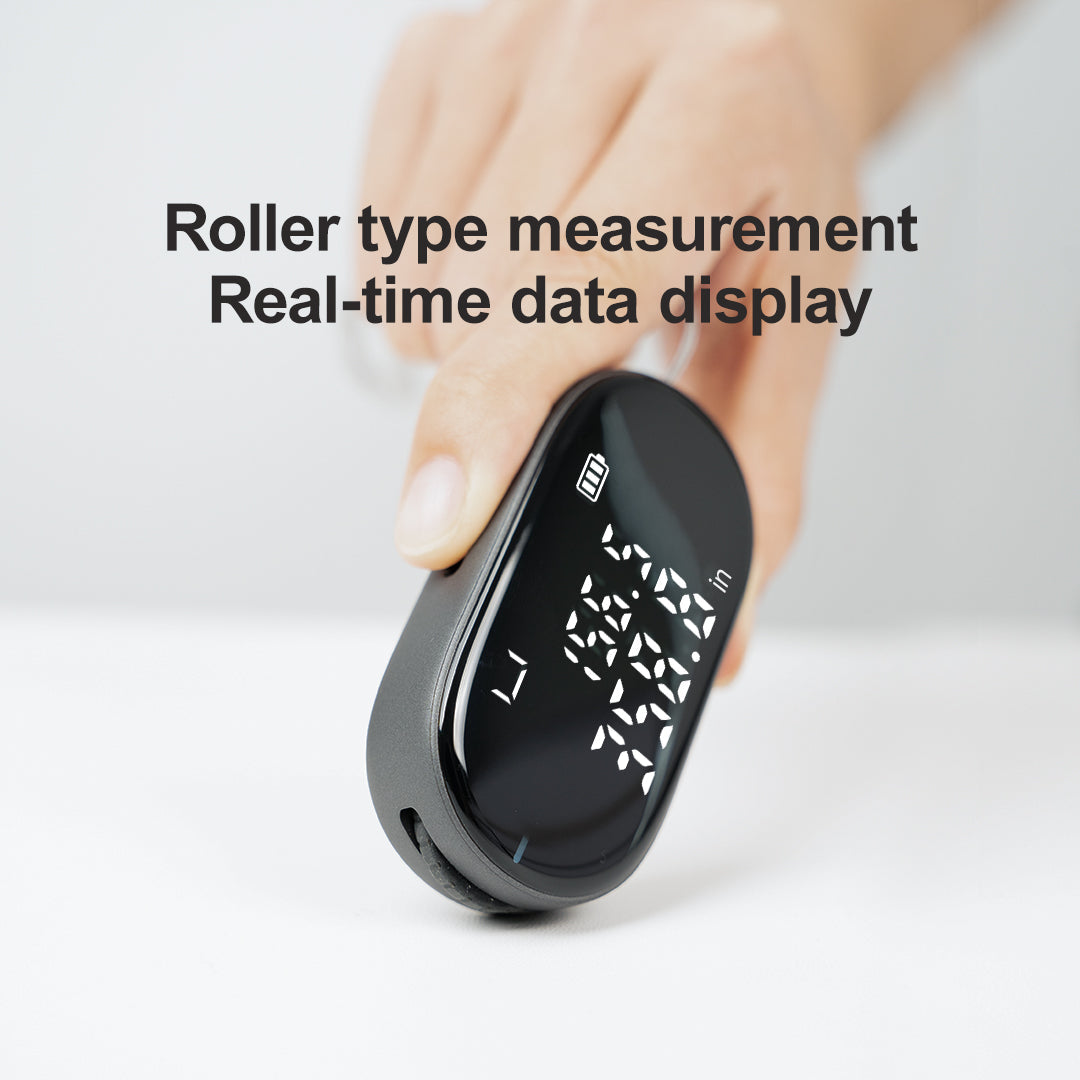
Roller type measurement
Real-time data display
The bottom of the smooth wheel design, rolling canbe quickly measured, real-time data display, that is,the measurement is easy to operate.

99.9m maximum distance measurement +0.5% precision error
The longest cumulative distance can be measuredup to 99.9 meters with millimeter-level accuracy an+0.5% error, which can easily cope with the mea-surement needs in life.

5 benchmarking modes
Switch at will

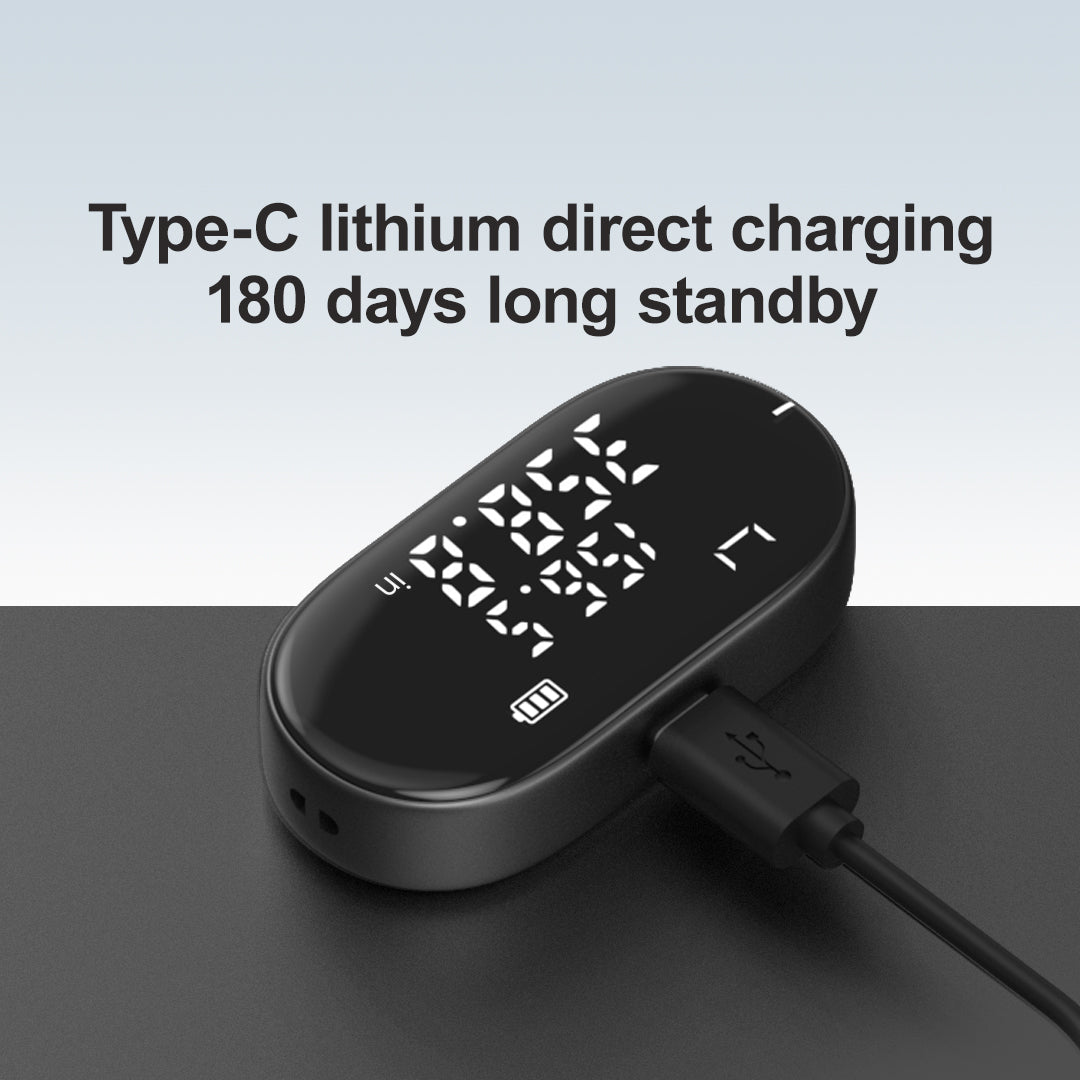
Type-C lithium direct charging
180 days long standby
Built-in 200mAh rechargeable lithium battery, type-cdirect charging interface, charge once to realize 180days long standby.

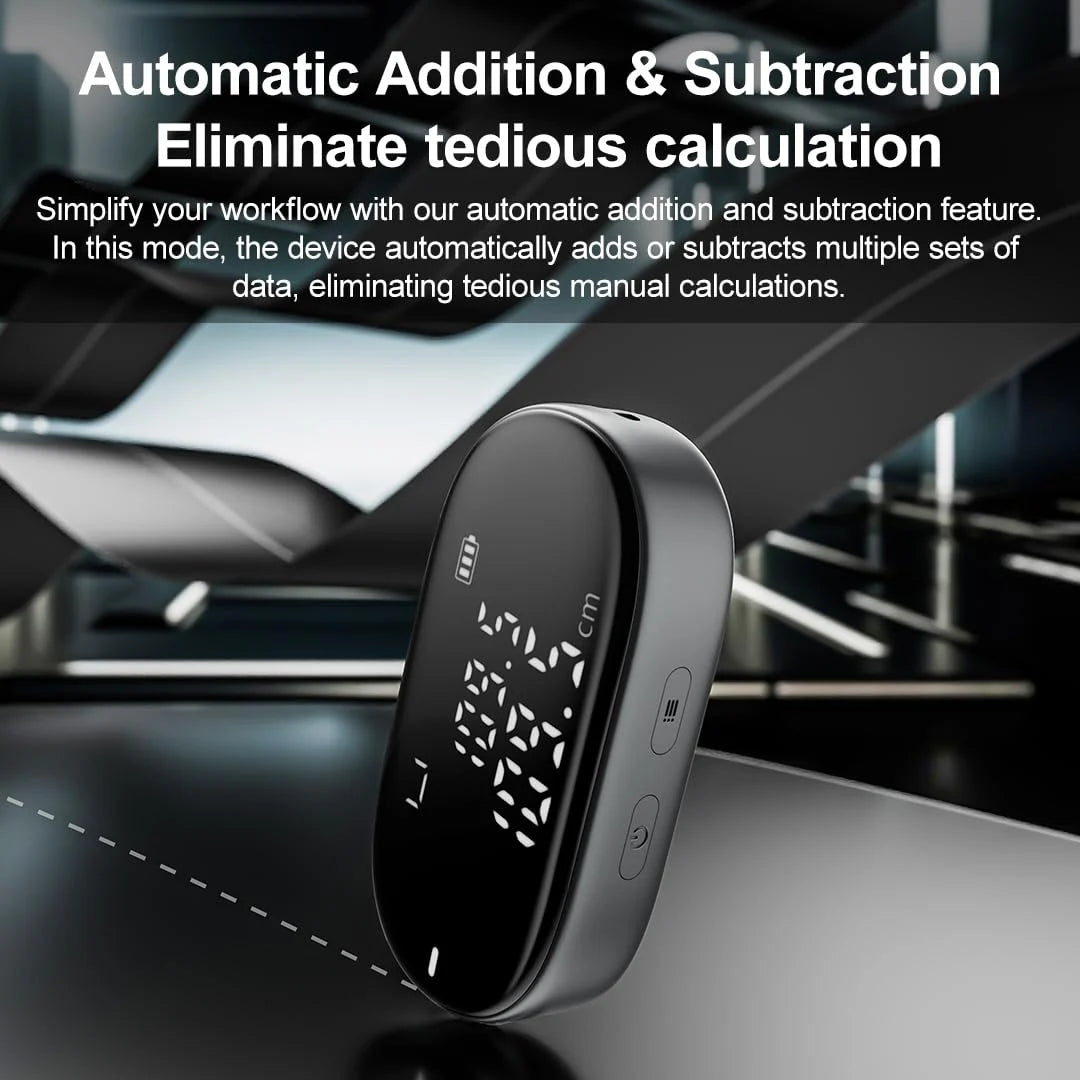
Automatic addition andsubtraction Eliminatetedious calculation
In totalization and subtraction mode, it automaticallyadds or subtracts several groups of data currently measured, eliminating the need for tedious calcula-tions.

History Search
Never miss important data
Short press on the power button to manually storethe current measurement data, when necessary, atany time to review, eliminating the need for paperand pencil records.

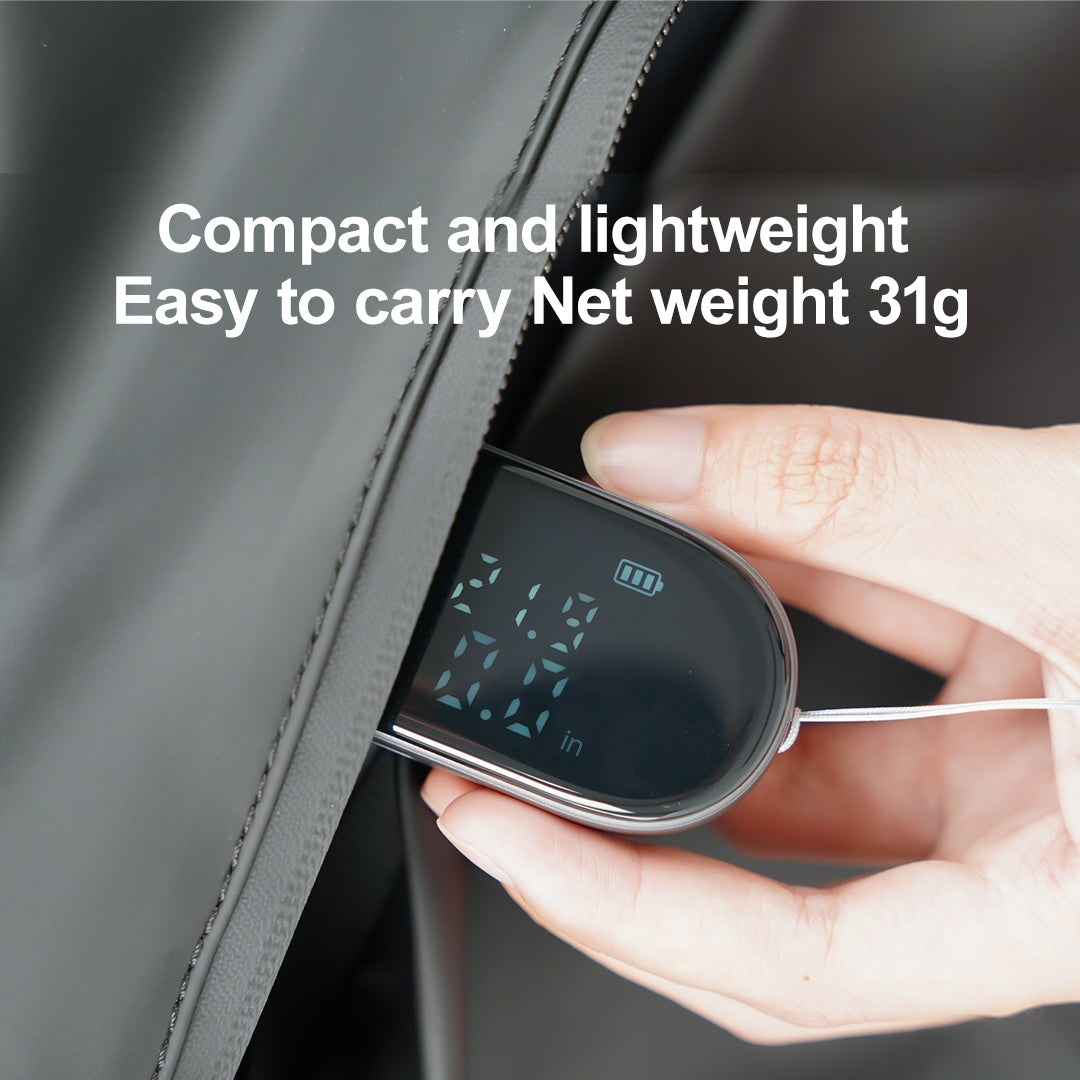
Compact and rounded bodydesign Easy to carry
17.5mm thin body, weighing about 31g, compact and rounded body, easy to carry, convenient to measure anytime and anywhere.
17.5mm Body Thickness
31g Machine Weight
Scenario Application


Scenario Application


FAQs
What is the charging method of the Q2? Does it support Type-C charging?
The Q2 features a Type-C charging port. We recommend using a 5V/1A power adapter for charging.
During charging: The breathing light and battery level indicator will flash. When fully charged: The breathing light will stay solid on.
Can the Q2 view historical data?
Data Reset: Short press the power button to clear the current measurement data.
Auto-Save: If there is no operation for 30 seconds during measurement, the device will automatically save the current data.
Historical Records: During measurement, short press the power button to reset and save the current data. Short press the power button again to view the previous set of historical data.
What materials are used for the Q2's body and screen?
Body: Constructed from ABS plastic for durability and impact resistance.
Screen: Equipped with a digital tube display for clear, high-visibility readings.
If you have any questions, you are always welcome to contact us. We'll get back to you as soon as possible, within 24 hours on weekdays.
-
Shipping Information
Use this text to answer questions in as much detail as possible for your customers.
-
Customer Support
Use this text to answer questions in as much detail as possible for your customers.
-
FAQ’s
Use this text to answer questions in as much detail as possible for your customers.
-
Contact Us
Use this text to answer questions in as much detail as possible for your customers.