

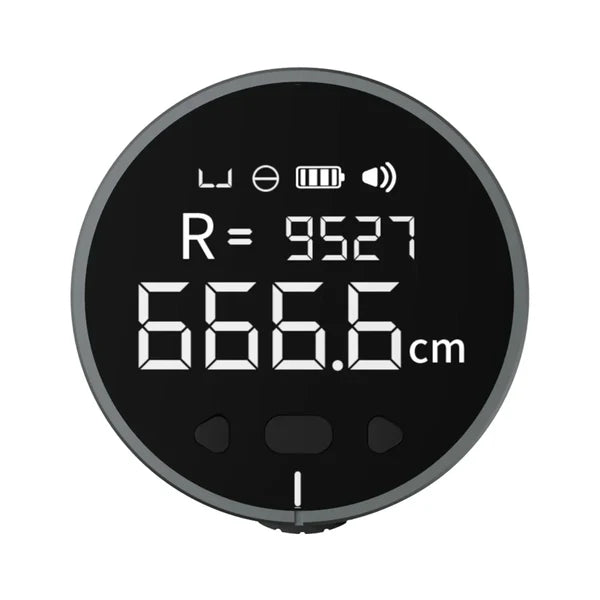


ATuMan mini Q Digital Rolling Measuring Tool – 8-in-1 Mini Electronic Ruler for Flat & Curved Surfaces
Couldn't load pickup availability
Pickup available at Sydney - Atuman Australia
Usually ready in 24 hours
Description
The MiniQ is a pocket-sized electronic tape measure designed for quick and versatile use. With a maximum accumulated measuring distance of 99.9 meters, it handles everyday measuring tasks with ease.
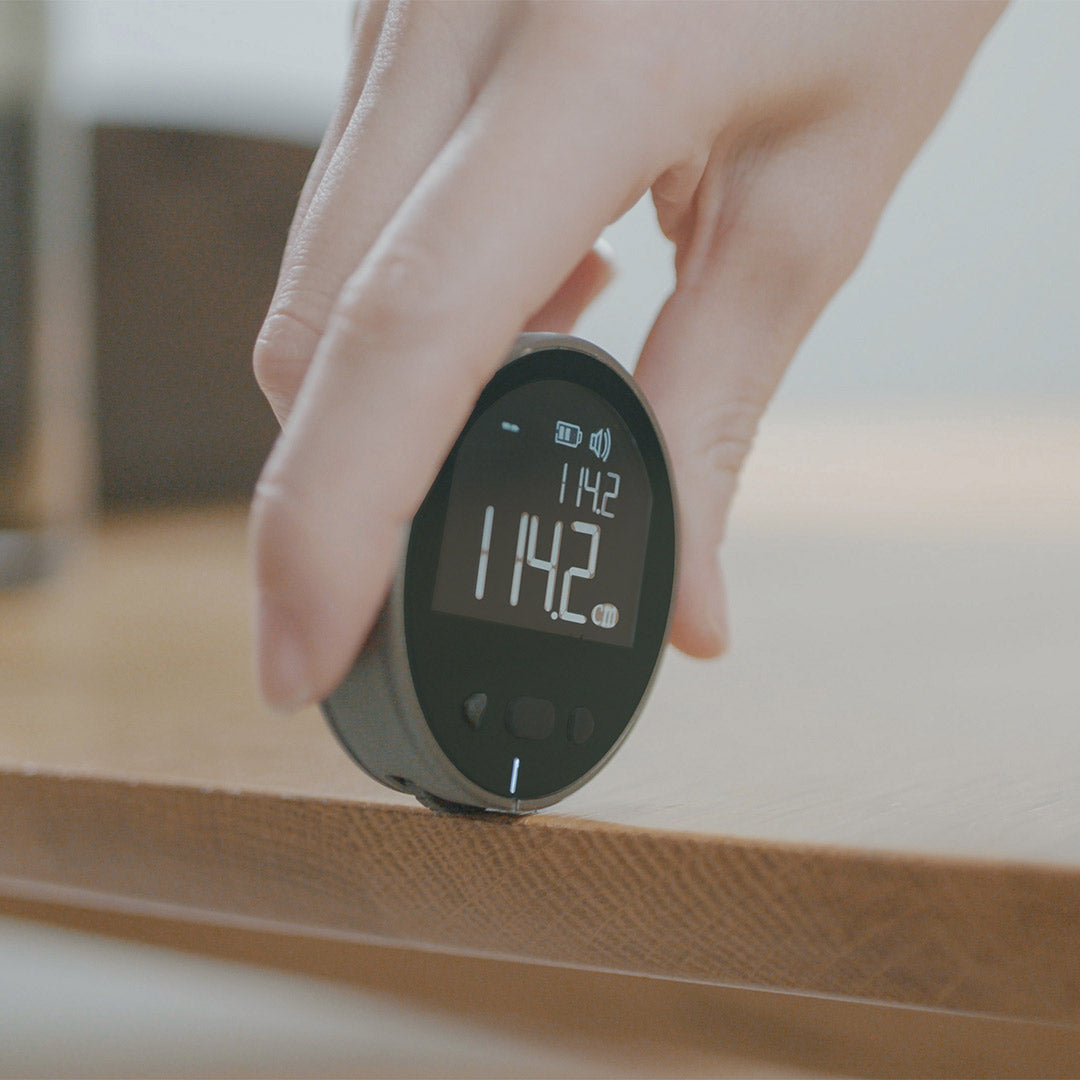
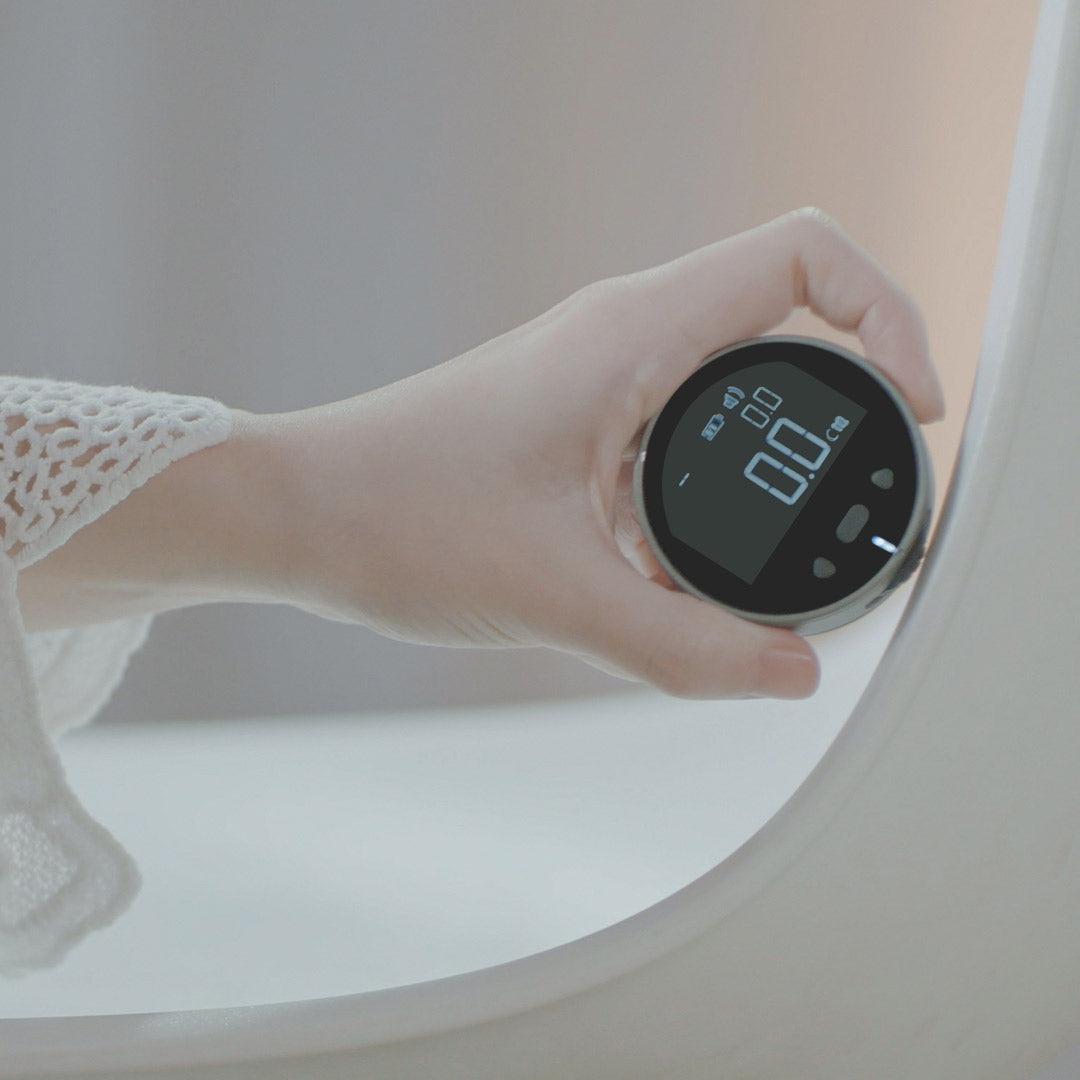
Featuring multiple measurement modes, it can accurately measure flat, curved, circular, and irregular surfaces. Weighing just 35g, it’s lightweight and easy to carry—ideal for use at home or on the go.
Perfect for DIY projects, sewing, crafts, interior design, and more.
Basic Specs
Battery: 200mAh
Accuracy: ±0.5%
Pairs well with
Ships within 1-2 business days.
1-Year Warranty
Free Shipping on orders over $99
ATuMan mini Q Digital Rolling Measuring Tool – 8-in-1 Mini Electronic Ruler for Flat & Curved Surfaces


Got a weird shape to measure? - MiniQ makes it simple.
Smart measuring, pocket size.
99.9m Range · Aluminum Alloy + Acrylic · 35g Lightweight

Measuring tricky shapes?
Switch modes, measure anything.
Curve · Flat · Edge-Smart Modes · Circle · Unit Switching

Worried about accuracy?
Smart chip, precise results.
±0.5% Accuracy · STM32 Microprocessor

Butter fingers? No sweat! Just hit that hold button, and - your
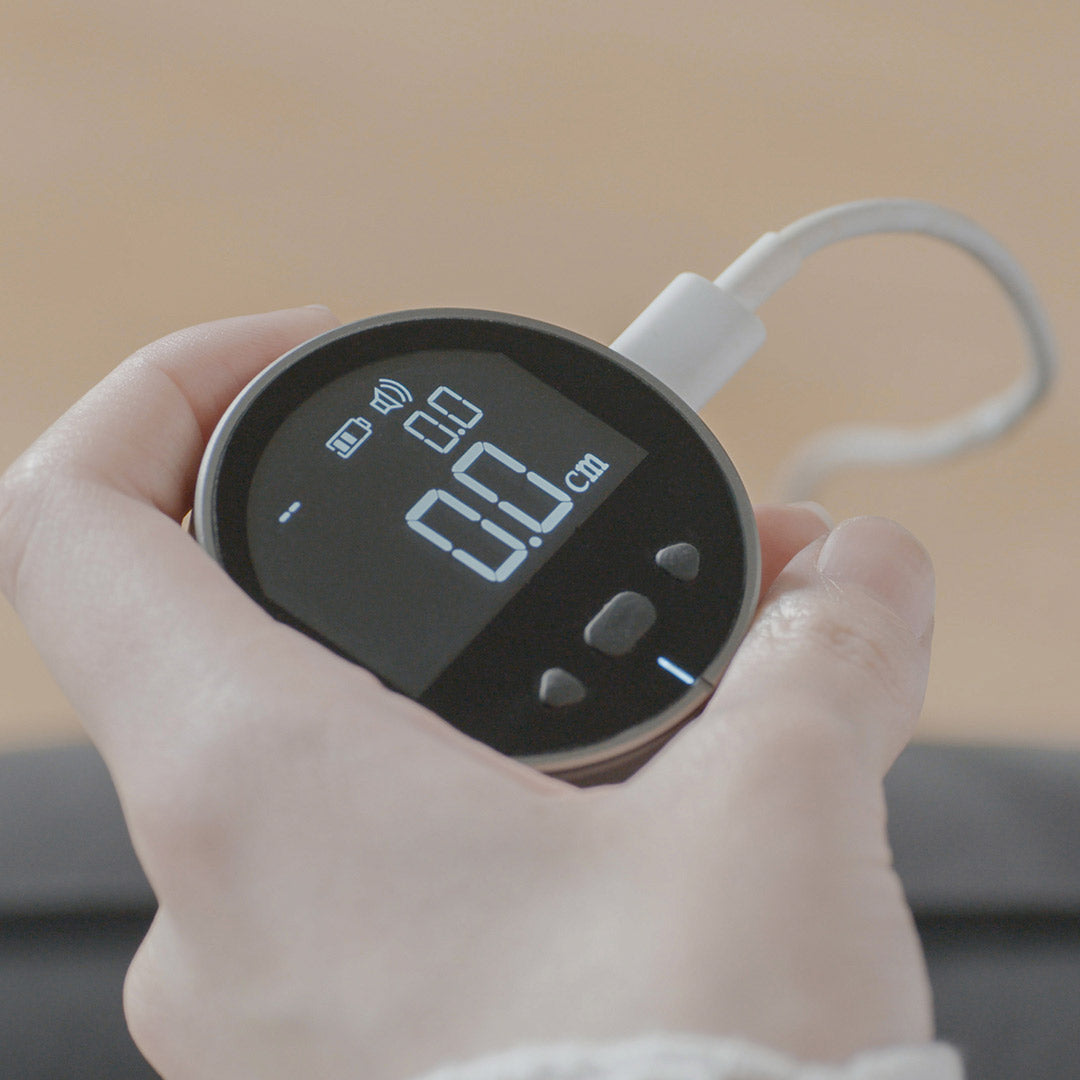
Data hold, steady measure, type-C charging
Data Hold; Auto Power-Off; LCD Backlit

From sewing to surfaces, need versatility?
MiniQ adapts to every task.
DIY · Home Improvement · Clothing
FAQs
Can the MiniQ view historical data?
Press any small triangle button to recall 10 sets of historical measurement data. During measurement, a short press of the middle button will reset the display and save the current data. If there is no operation for 30 seconds during measurement, the system will automatically save the current data and reset the main display to zero.
How to set up the MiniQ?
With the device powered off, press and hold the middle button for 5 seconds to turn it on and enter the Advanced Settings Mode. In this mode, you can:
Set the default display unit,
Calibrate measurement accuracy.
Turn the buzzer on/off.
Adjust the LCD backlight duration, etc.
What is the accuracy of the MiniQ?
The accuracy of this electronic tape measure is ±0.5%, and it supports stepless calibration. If the error exceeds this range, it may be caused by the material of the measured object, leading to wheel slippage (e.g., ceramic tiles are not suitable for measurement with this electronic tape measure). Please ensure a smooth, uniform sliding speed during measurement; avoid moving the wheel too fast or too slow.
How to calibrate the MiniQ if there is an error?
Calibration Method: Enter the Settings Mode to access the accuracy calibration function. The factory default calibration value is ACC 100.0.
Example: If the actual length is 100 units, but the tape measure reads 98 units, adjust the accuracy setting to 100.2 to correct the error.
If you have any questions, you are always welcome to contact us. We'll get back to you as soon as possible, within 24 hours on weekdays.
-
Shipping Information
Use this text to answer questions in as much detail as possible for your customers.
-
Customer Support
Use this text to answer questions in as much detail as possible for your customers.
-
FAQ’s
Use this text to answer questions in as much detail as possible for your customers.
-
Contact Us
Use this text to answer questions in as much detail as possible for your customers.